
Ensuring your guests can easily locate your moorage is crucial for an enjoyable OnBuoy experience both for you and your guests.
Precise coordinates allow guests to utilize GPS technology to find your moorage directly. These coordinates along with the pictures you provide in your listing can eliminate any confusion or frustration upon arrival.
Locating Your Moorage Coordinates:
- Inspection Report or Installation Invoice: These documents often include the latitude and longitude of your moorage. This may be in various formats such as degrees, minutes, and seconds. While OnBuoy accepts coordinates in decimal format only (e.g., 48.5361, -123.1322), fret not! We have a simple solution.
Converting Coordinates to Decimal Format:
- First, you can head over to Google Maps.
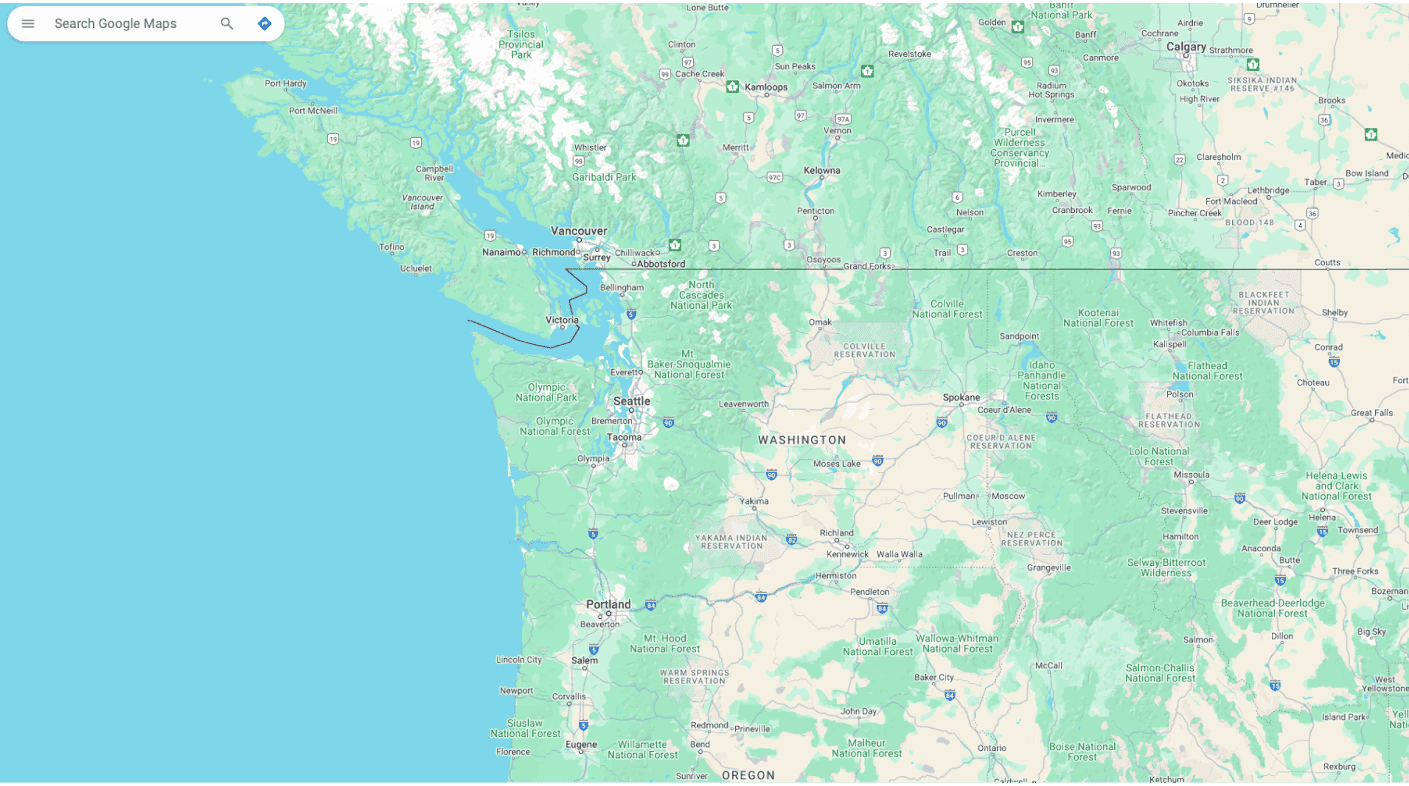
- Second, in the search bar, type in the coordinates you found in your documents, including the directional indicators (N, S, E, W).
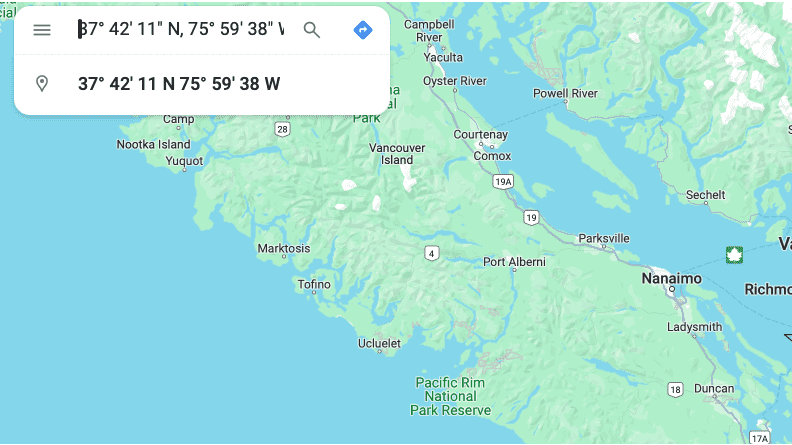
- Third, Google Maps will automatically convert the coordinates to decimal format for you (as you can see highlighted in the image below)! Simply copy and paste the displayed decimal coordinates into your OnBuoy listing.
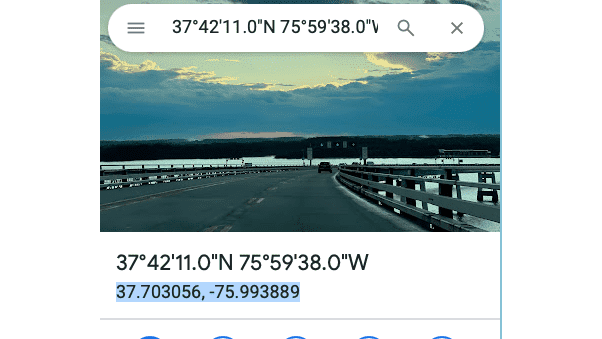
Before finalizing your listing, double-check the accuracy of your entered coordinates. You can use Google Maps again to verify their location.