Reserving a moorage on OnBuoy is easy. No more racing to your next destination or trolling around a marina or buoy field to find a spot to tie up. Follow the steps below and enjoy a peaceful cruise to your next port of call.
1. Browse
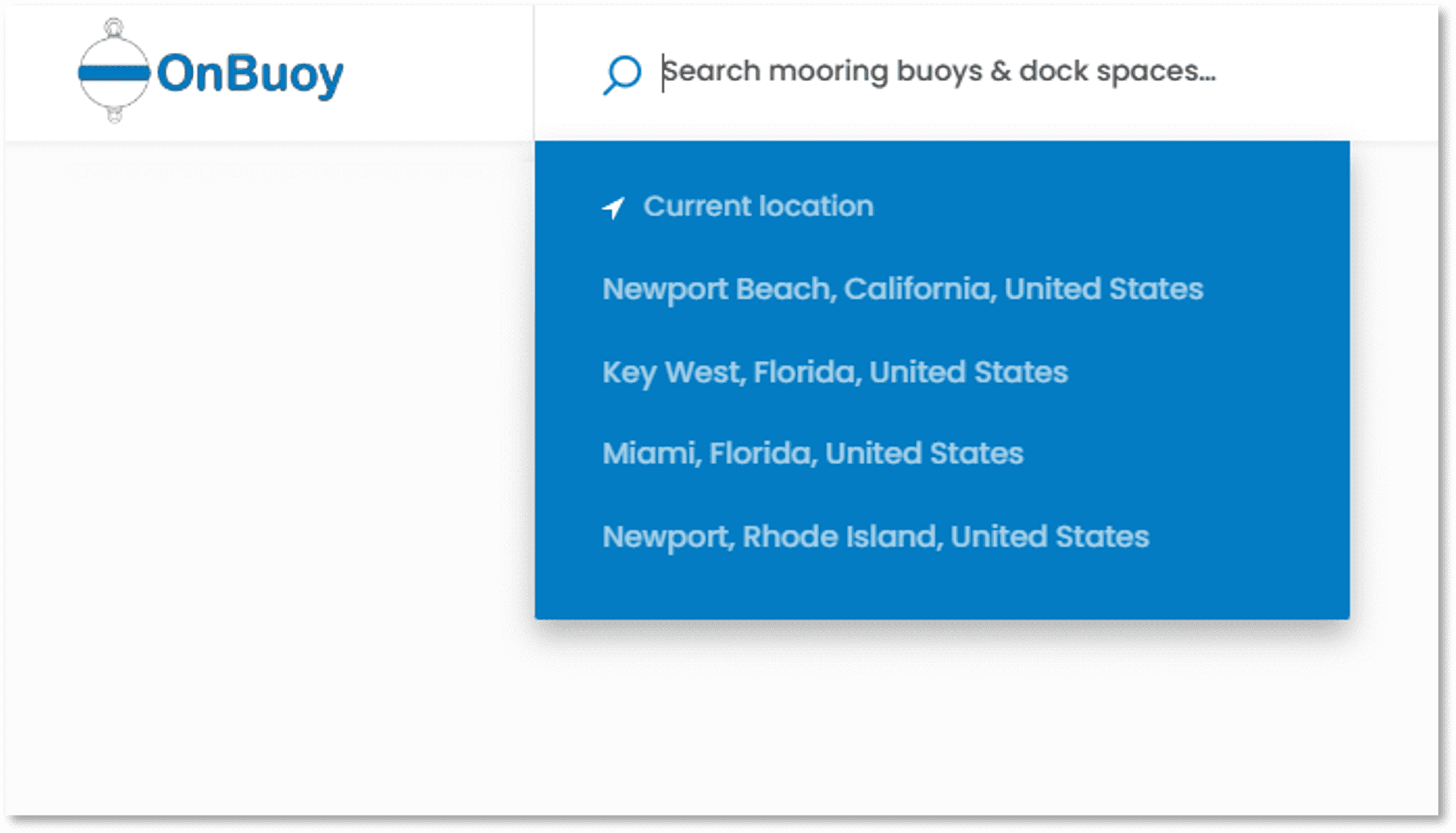
Start by searching for available moorage at your next destination. Apply filters like dates available, boat size, and water depth.
2. Book
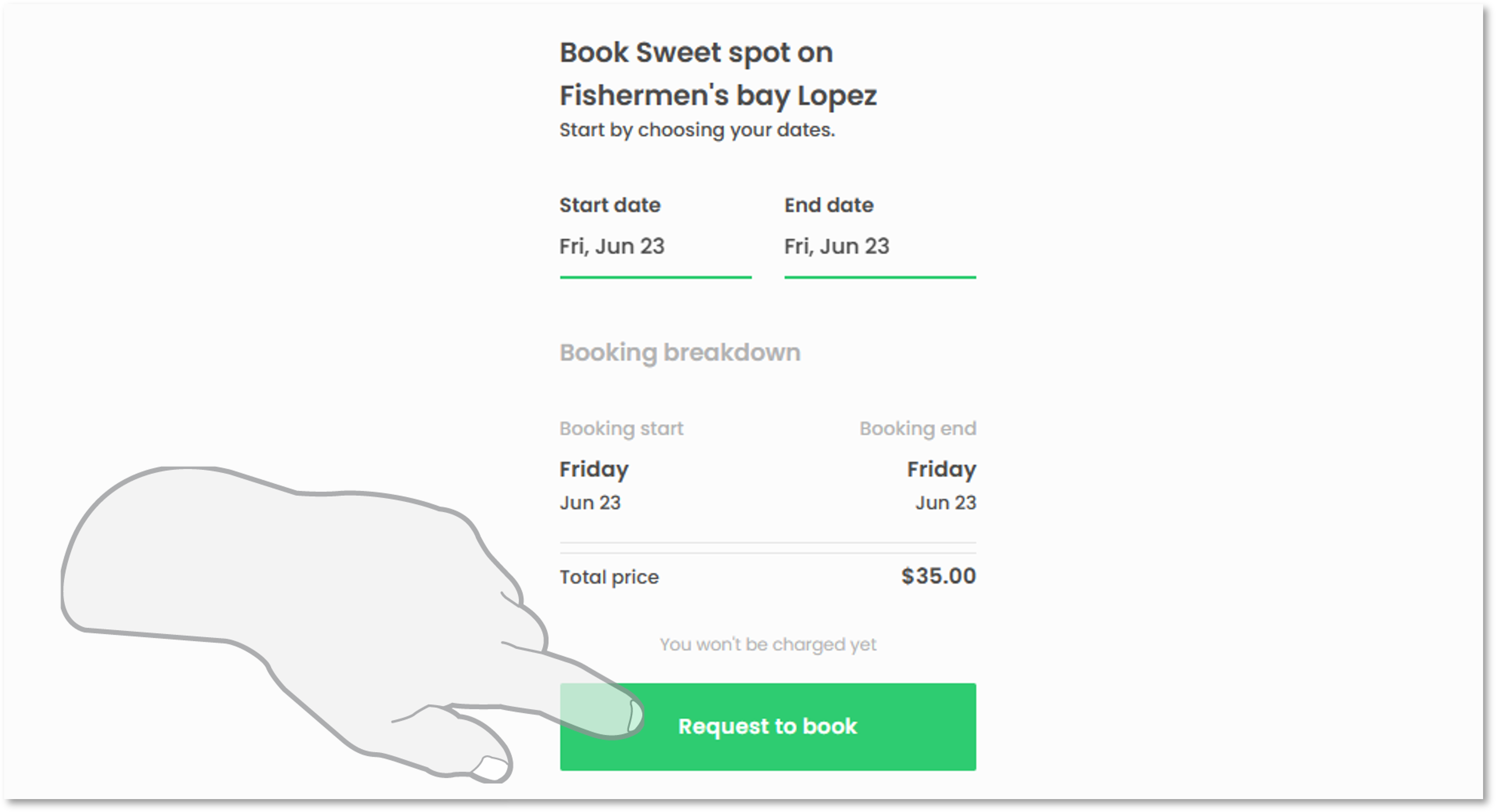
Once you’ve found a moorage that looks interesting, check out photos, get familiar with the details of the moorage and any usage rules offered by the host—then select the dates for your stay and submit your request to book in a single click.
3. Receive Confirmation
You'll get a email notification when the host confirms your reservation and then you're all set. Connect with your host through the inbox on OnBuoy to ask questions or advice. You can also contact Airbnb anytime for additional support.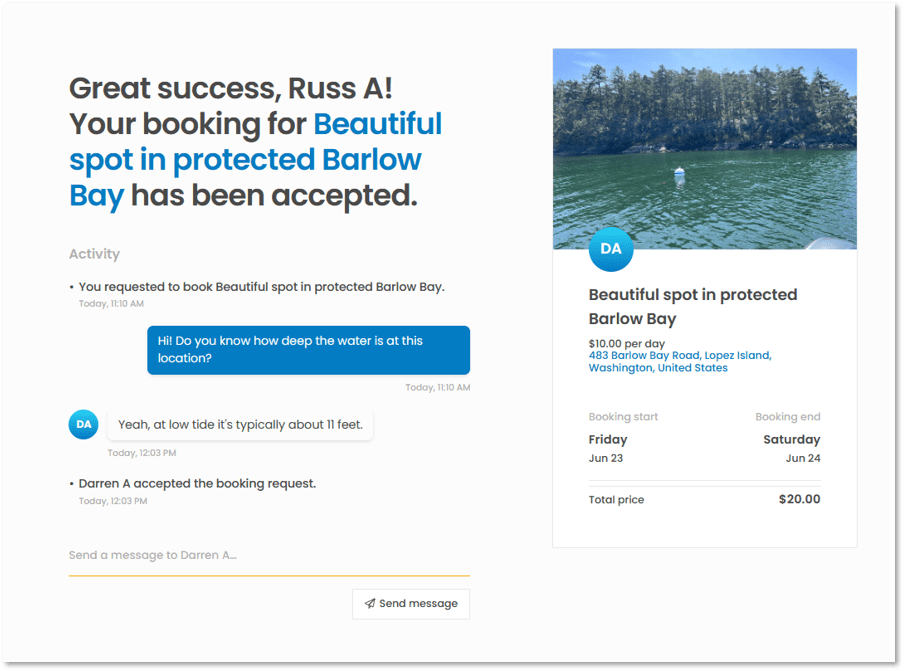
4. Check-in
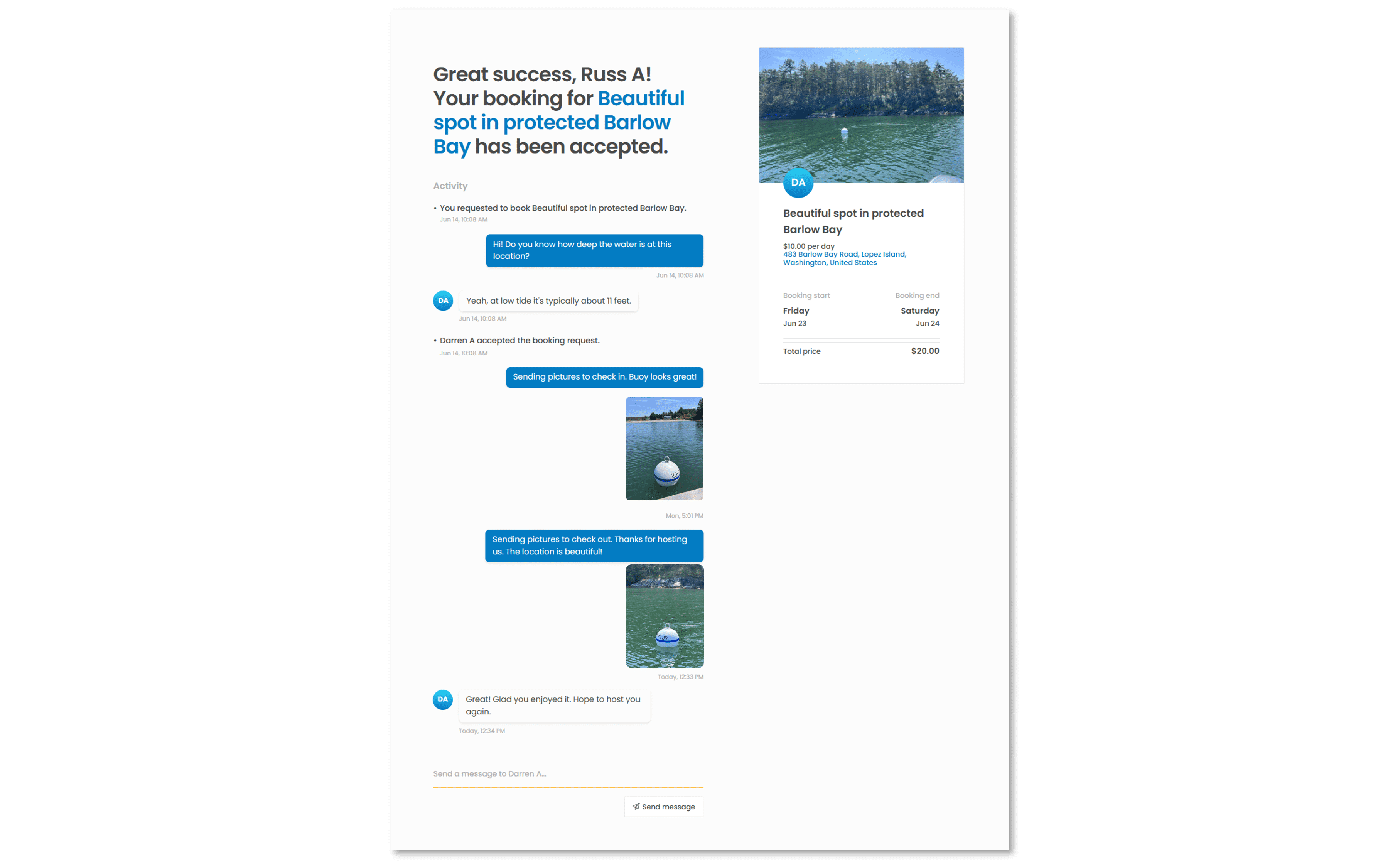
To check-in on the day of your reservation, take photos of the moorage when you arrive and send them to the host using the OnBuoy Inbox.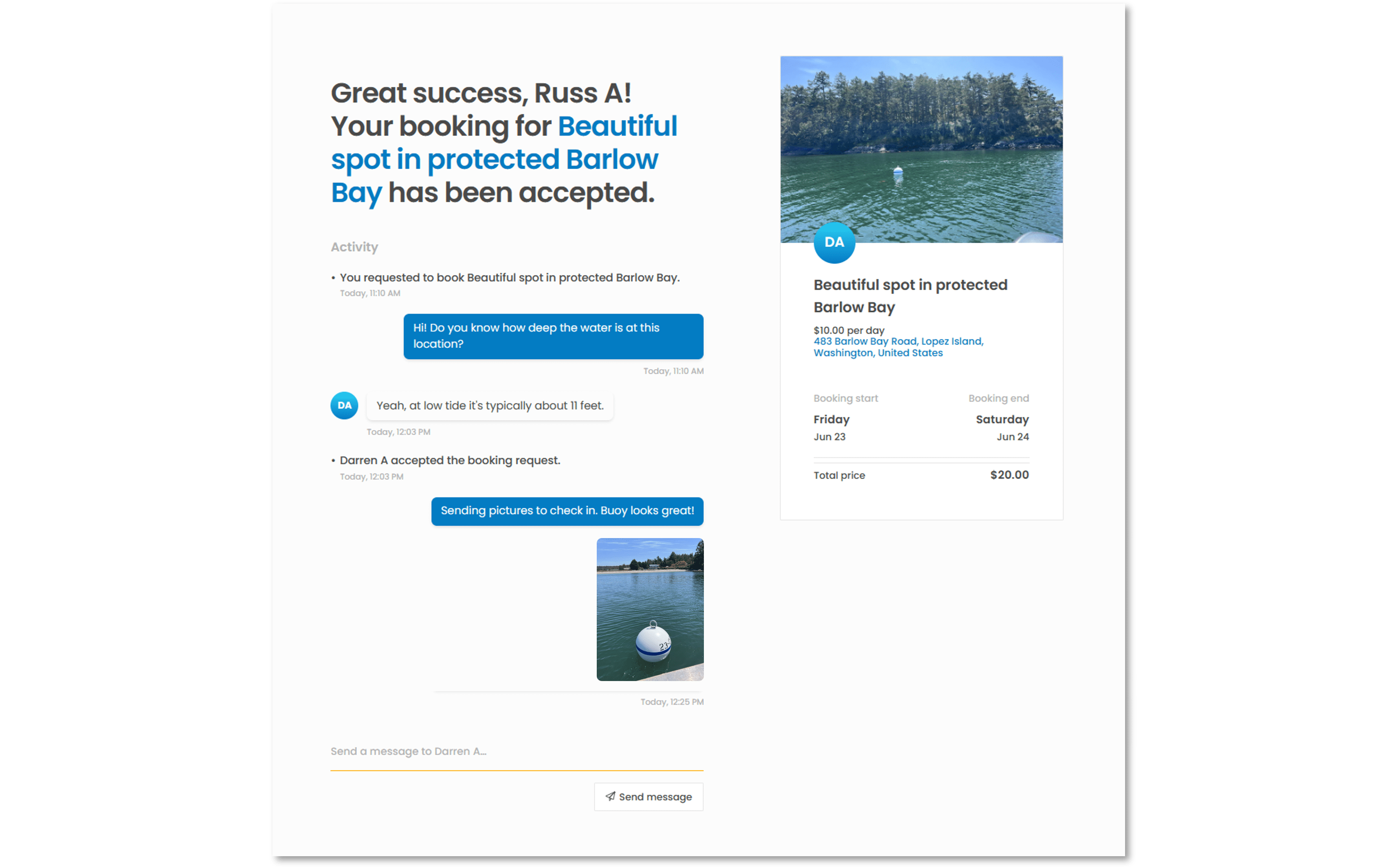
5. Check-out
To check-out, take photos of the moorage after you have untied and send them to the host using the OnBuoy Inbox. After that, you're all done! The host will receive payment for your stay and a portion of the proceeds will go to helping preserve the local marine environment.