
The full color icons you see on the OnBuoy map represent moorages that have been listed by our amazing community members! These moorages are available for short-term reservation by boaters looking for a safe and convenient place to tie up.
By clicking on any icon, you will be directed to a detailed description page for that specific moorage. This page will provide you with valuable information such as:
- Photos of the moorage and surrounding area
- The size and depth limitations of the moorage
- Any available amenities
- Reviews from previous guests
If you find a moorage that meets your needs, you can easily book it directly through the platform with just a few clicks!
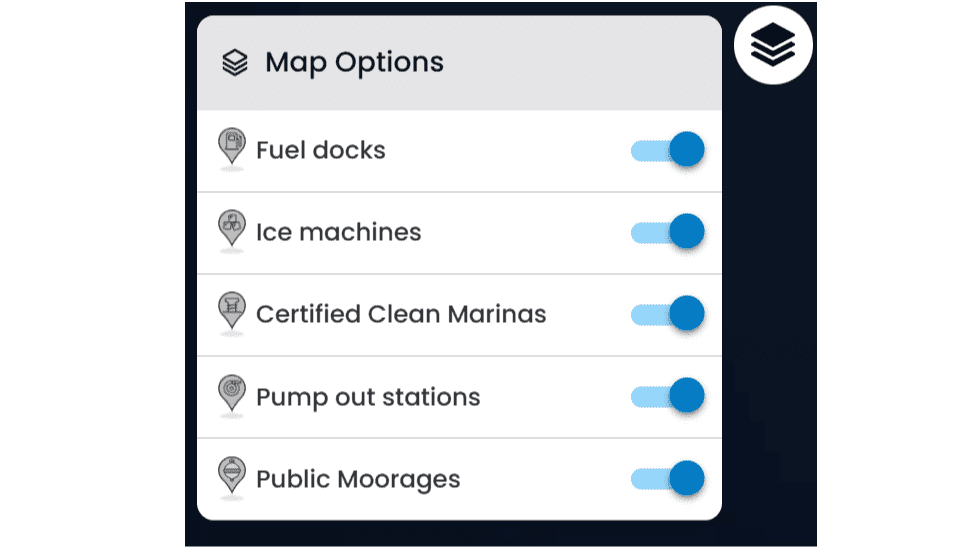
There are additional icons that you can utilize to sort the listings on the map:
- Fuel dock
- Ice machine
- Clean marina
- Pumpout station