
Instant Booking is an optional feature you can enable when creating or editing your OnBuoy listing. It allows guests to book your moorage instantly — without waiting for your manual confirmation. This is especially convenient for boaters looking to secure last-minute reservations.
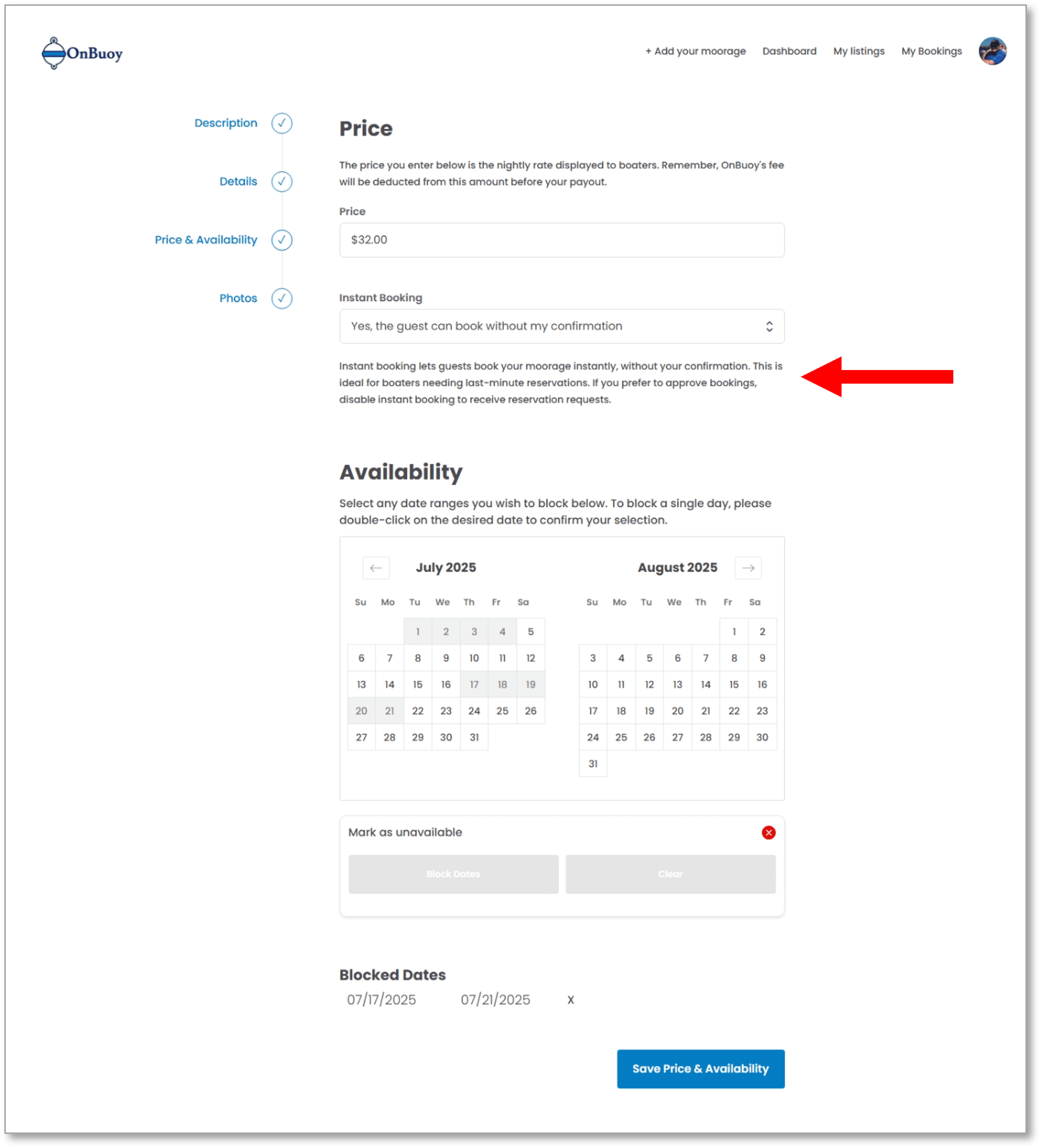
Instant Booking is designed to make hosting on OnBuoy easier and help you fill more nights, while maintaining OnBuoy’s commitment to safety through guest screening and vessel compatibility checks. When Instant Booking is enabled, any guest request meeting the following conditions is automatically approved:
- The guest passes OnBuoy’s mandatory screening process.
- The guest’s vessel is appropriately sized for your moorage.
- Your moorage is marked as available on the dates requested.
Enabling Instant Booking means you no longer need to manually approve each reservation, saving you time and making your moorage more attractive to guests who need immediate confirmation.
With Instant Booking, your listing can accept same-day bookings, so it’s important to keep your availability calendar up to date. Remember to block off any dates when you or friends or family will be using the moorage — this prevents unwanted bookings and ensures you maintain control over your schedule.
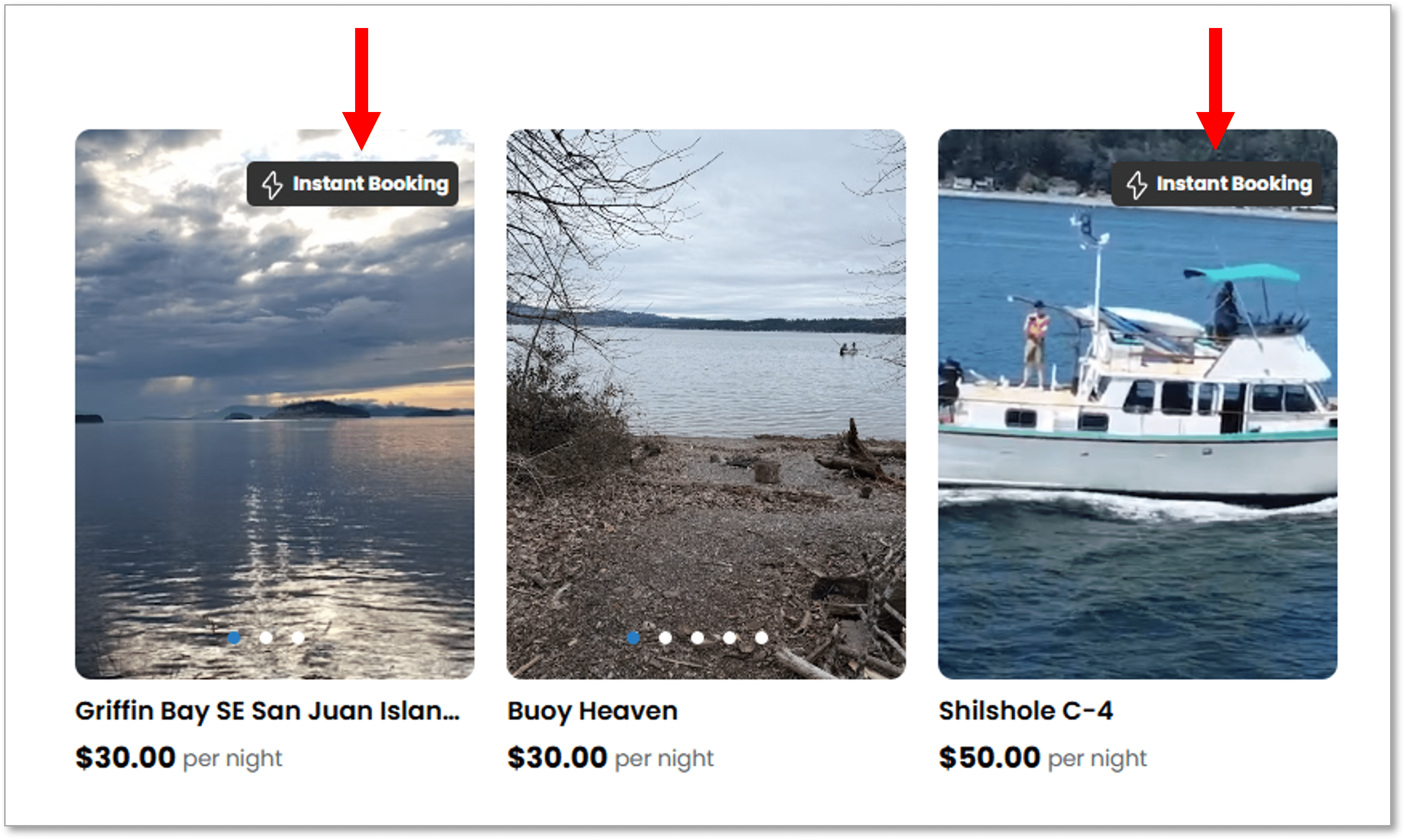
If you prefer to manually approve all reservations, simply disable Instant Booking. This way, you’ll continue to receive booking requests and can choose which ones to accept.